Campaign operations, built for practice
Learn campaign operations by actually doing the work.
Makona is a guided campaign-operations environment for planning media, preparing creative, building activation, reviewing readiness, reconciling spend, and understanding how the pieces connect.
No client data required. Start with fictional campaigns and realistic operational scenarios.
Inside Makona
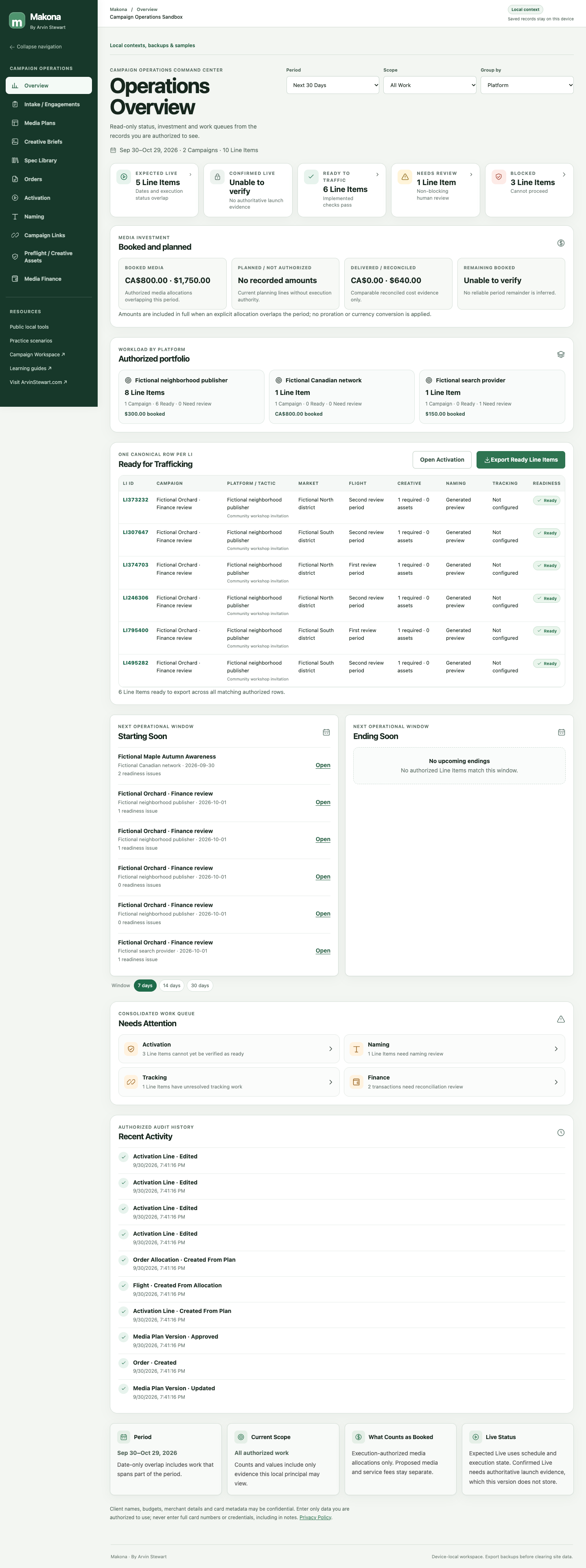
Start with the work that needs attention.
See what’s expected live, ready to traffic, blocked, starting soon, ending soon and requiring attention — then jump into the work. Confirmed Live requires its own evidence.
Full campaign workflow
One environment. The full campaign workflow.
- 01
Intake
Define the Client Account, Advertiser, Brand and scope.
- 02
Plan
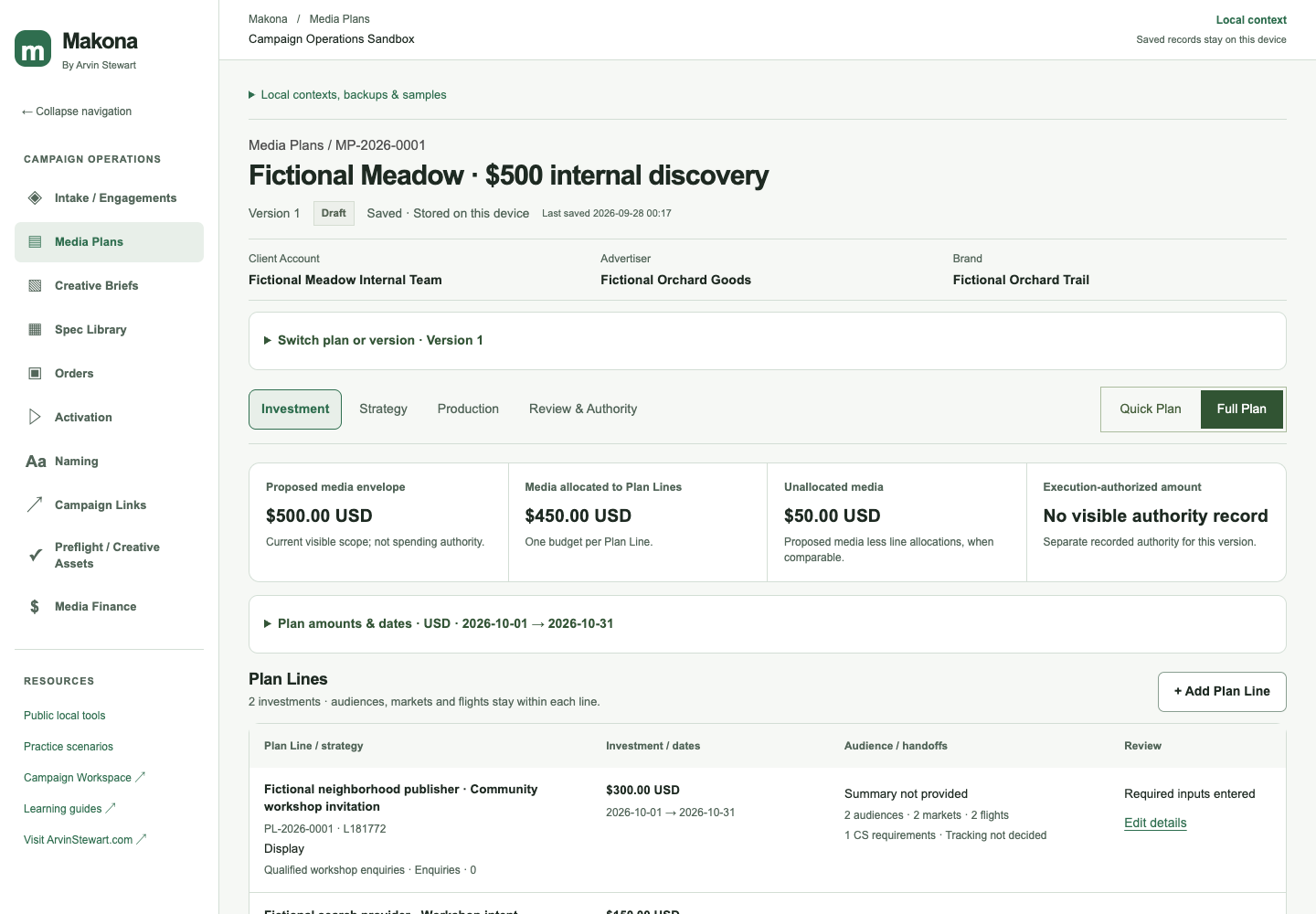
Build the media recommendation and Plan Lines.
- 03
Production
Turn strategy into creative deliverables and evidence.
- 04
Activation
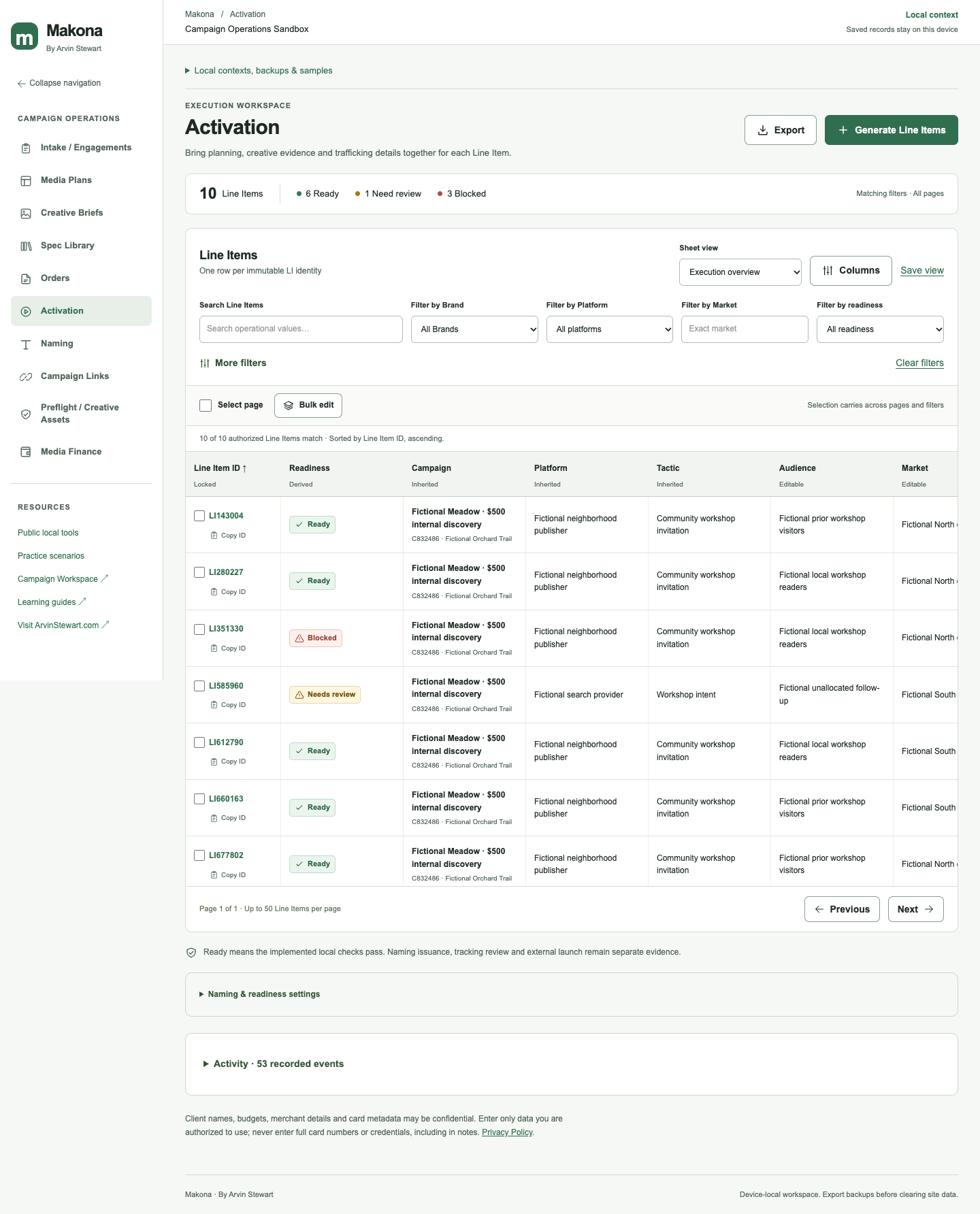
Prepare Line Items, naming, tracking and QA.
- 05
Finance
Reconcile charges, assignments and exceptions.
- 06
Closeout
Resolve delivery and financial blockers.
Creative production
From provider guidance to concrete deliverables.
Browse profiles by provider, choose the options for a campaign, preview its deliverables, then review received assets and values in Production.
Provider and source
Keep format rules, placements, version and source evidence together.
Requirement set
Select a quantity for repeatable groups such as Carousel cards before creating a request.
Deliverable evidence
Review each card, file and value separately. Approval and fulfillment remain distinct.
Start with fictional data
Explore a fictional campaign before bringing in your own workflow.
Open Makona, choose Practice, and inspect a four-card creative deliverable case in its own context.
Choose a fictional workspaceFictional records and provider guidance in a separate local context.
A clear objective and operational evidence to review; scoring is planned.
Practice
Practice decisions in realistic scenarios.
The Luma & Moss Creative Deliverables workspace is ready inside Makona. Other industry scenarios are coming soon.
View practice workspaces- 01Choose a scenario
- 02Review the objective
- 03Open its local context
- 04Inspect provider evidence
- 05Resolve deliverable gaps
- 06Decide readiness
What works today
A local workspace for connected operations.
Work across modules
Intake, media planning, creative briefs, Spec Library, Production, Activation, Campaign Links, Finance and Operations Overview.
Review before handoff
Use status queues and Ready-to-Traffic review/export from the implemented records. Launch confirmation requires separate evidence.
Keep a copy
Records stay in this browser’s local workspace. Export a native backup for your own records; there is no account sync.
What’s coming
More ways to learn and work.
Expanded guided practice, short instructional videos, and future account capabilities are planned concepts, not available features.
Makona · By Arvin Stewart
See how the work connects.
Start in a local workspace, explore fictional data, and move from intake to closeout.
Open Makona